
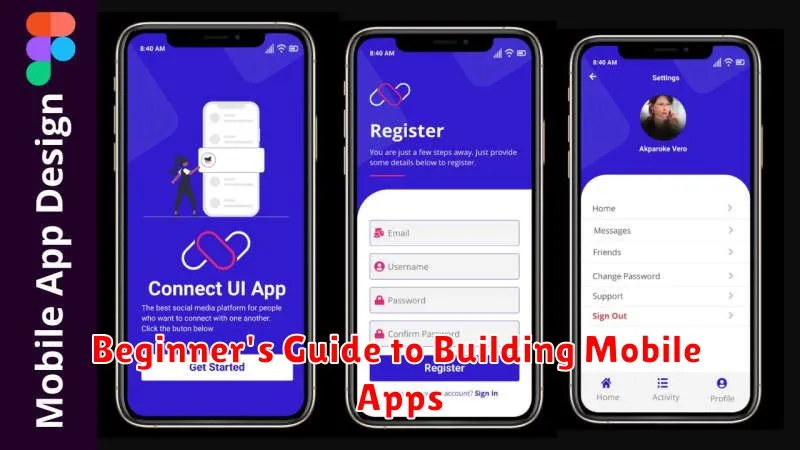
Have you always dreamed of building your own mobile app? Perhaps you have a brilliant idea for the next big social media platform, a game-changing utility, or a streamlined business tool. This Beginner’s Guide to Building Mobile Apps provides a comprehensive introduction to the process, breaking down complex concepts into easily digestible steps. Whether you’re an aspiring app developer with no coding experience or someone with some technical background looking to expand your skillset, this guide will equip you with the foundational knowledge needed to start your mobile app development journey. We’ll cover everything from choosing the right development platform to understanding the basics of design, coding, and ultimately, launching your app.
Developing mobile apps may seem daunting, but it’s more achievable than you think. This guide will demystify the process, offering clear explanations of key concepts like user interface (UI) and user experience (UX) design, different programming languages for mobile development (like Swift, Kotlin, and JavaScript), and various mobile app development frameworks. We’ll also explore crucial considerations like app monetization strategies, app store optimization (ASO), and the importance of testing throughout the development lifecycle. By the end of this Beginner’s Guide, you’ll have a solid understanding of what it takes to bring your mobile app idea to life.
Why Learn Mobile App Development?
In today’s increasingly mobile world, the demand for skilled mobile app developers is high and continues to grow. Learning mobile app development opens up a world of opportunities, both personally and professionally.
Career Prospects: The mobile app industry offers a wide range of career paths, from freelance development to working for established tech companies. With the right skills, you can build a successful and rewarding career.
Problem Solving and Creativity: Developing apps allows you to bring your ideas to life and solve real-world problems through innovative solutions. It’s a creative and intellectually stimulating field.
Personal Projects: Learning to code apps empowers you to create your own tools and utilities, tailored to your specific needs. This allows for personalization and greater control over your digital experience.
High Earning Potential: Mobile app developers are often well-compensated for their skills, making it a financially attractive career choice.
Choosing the Right Platform
One of the first key decisions when developing a mobile app is selecting the right platform. This choice significantly impacts development time, cost, and potential reach.
The most popular platforms are iOS and Android. iOS, Apple’s mobile operating system, boasts a loyal user base with higher spending potential. Developing for iOS typically requires using Swift or Objective-C and Xcode as the development environment.
Android, developed by Google, holds a larger global market share. Android development primarily utilizes Java or Kotlin with Android Studio as the preferred IDE.
Cross-platform frameworks offer an alternative, allowing developers to build apps for both iOS and Android using a single codebase. Examples include React Native, Flutter, and Xamarin. While offering faster development, cross-platform apps sometimes lack the native performance and feel of platform-specific apps.
Consider your target audience, budget, desired features, and development timeline when making your platform choice. Each platform has its strengths and weaknesses, so careful consideration is crucial for success.
Designing UI and UX
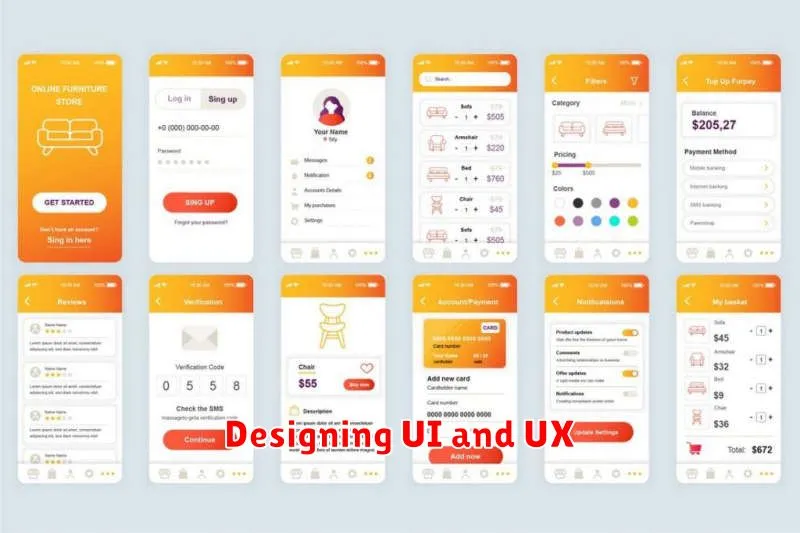
User interface (UI) and user experience (UX) design are crucial for a successful mobile app. UI focuses on the app’s visual elements – what users see and interact with directly. A well-designed UI should be aesthetically pleasing and intuitive.
UX, on the other hand, encompasses the entire user journey within the app. It addresses how users interact with the app, how easy it is to navigate, and whether the app meets their needs effectively. A positive UX leads to satisfied users.
Key considerations for mobile UI/UX include:
- Simplicity: Keep the interface clean and uncluttered.
- Consistency: Maintain a consistent design language throughout the app.
- Accessibility: Design for users with varying abilities.
- Performance: Ensure the app is responsive and performs smoothly.
Basic Coding for Apps
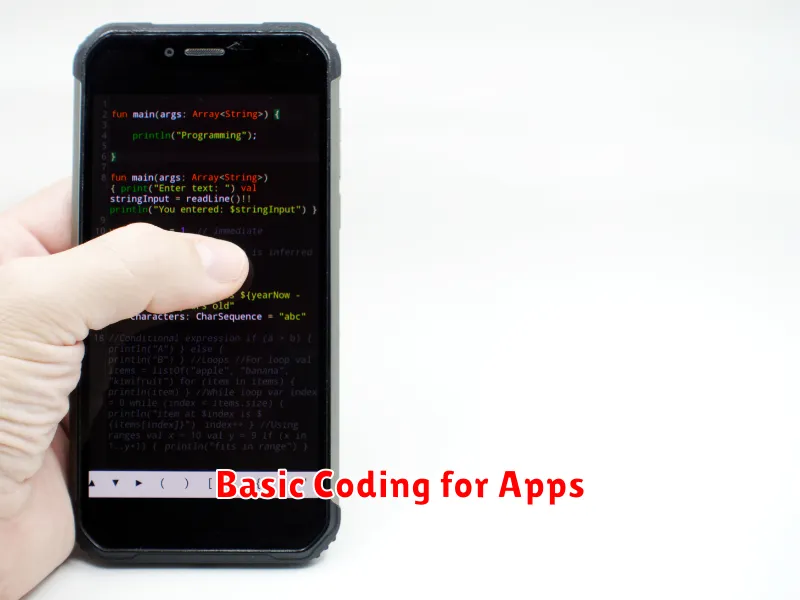
Developing mobile applications involves understanding programming languages. The choice of language often depends on the target platform (iOS or Android) and the app’s complexity. For iOS, Swift is the prominent language, known for its speed and safety. Objective-C, while older, can still be found in some projects. Android development primarily uses Kotlin, a modern language favored for its conciseness and interoperability with Java. Java itself remains relevant for Android development, especially in legacy projects.
Beyond platform-specific languages, cross-platform frameworks like React Native (using JavaScript) and Flutter (using Dart) allow developers to build apps for both iOS and Android from a single codebase. These frameworks offer potential time and cost savings, but may have limitations in accessing certain device features.
No matter the language or framework chosen, understanding fundamental programming concepts like variables, data types, loops, and conditional statements is essential. These building blocks are the foundation of any app, regardless of its complexity or target platform.
Testing and Deployment
Testing is a crucial step in mobile app development. It ensures your app functions correctly, performs well under stress, and provides a positive user experience. Different testing methodologies should be employed throughout the development process.
Types of Testing
- Unit Testing: Tests individual components of your code.
- Integration Testing: Verifies the interaction between different modules.
- UI Testing: Ensures the user interface is functional and intuitive.
- User Acceptance Testing (UAT): Allows real users to test the app in a real-world scenario.
Deployment is the process of releasing your finished app to the public. This involves preparing your app for distribution on platforms like the Apple App Store or Google Play Store. Each platform has its own set of guidelines and requirements for submission.
Deployment Process
- Prepare App for Release: Finalize code, assets, and documentation.
- Platform Submission: Create developer accounts and submit the app package.
- Review and Approval: Wait for approval from the app stores.
- Release: Launch your app to the public!
Tools and Frameworks to Use
Choosing the right tools and frameworks is crucial for mobile app development. Several options cater to different needs and skill levels. Here’s a brief overview:
Native Development
For building high-performance, platform-specific apps, native development is preferred. This involves using languages like Swift/Objective-C for iOS and Java/Kotlin for Android. Native development offers optimal performance but requires separate codebases for each platform.
Cross-Platform Frameworks
Cross-platform frameworks allow you to write code once and deploy it on multiple platforms, saving time and resources. Popular choices include:
- React Native: Uses JavaScript and React to build native-like user interfaces.
- Flutter: Google’s framework using Dart to create visually appealing and performant apps.
- Xamarin: Microsoft’s framework leveraging C# and .NET.
Hybrid Development
Hybrid development combines web technologies (HTML, CSS, JavaScript) with native containers. Frameworks like Ionic and PhoneGap enable this approach. Hybrid apps can be quicker to develop but might compromise on performance compared to native or cross-platform solutions.
